
Make.com Webhook Debugging: Resolve Production Incidents
make.com webhook debugging matters when events disappear or duplicate silently. This playbook shows how to trace source, transport, and scenario failures.
Short on time
Start with the key sections below, then jump to FAQ for direct answers. If you need implementation help, use the contact button and I will map the shortest safe rollout path.
On this page (11)
- Webhooks are the first thing that breaks
- Before you debug: the 3 failure layers
- Layer 1: Source problems
- Layer 2: Transport problems
- Layer 3: Scenario problems
- 8-point debugging checklist
- Incident response timeline (what to do in first 30 minutes)
- Evidence bundle for post-incident review
- Prevention: stop firefighting, build webhook observability
- FAQ
- Next steps
On this page
Webhooks are the first thing that breaks
I have debugged many Make.com webhook incidents, and the pattern is consistent: the team says "automation stopped," but what actually failed is ingress reliability at the first module. Once webhook intake is unstable, every downstream KPI is corrupted because records are missing, delayed, duplicated, or partially processed.
The dangerous part is silence. In many lanes, there is no loud crash, no obvious red banner, and no single owner paged. You only notice after business users ask why lead counts dropped, onboarding records are missing, or reconciliation no longer matches source volume.
This playbook is designed for that panic-search moment: "make.com webhook not working" right now, production impacted, and no time for theory. The goal is simple: isolate failure layer quickly, restore safe flow, and prevent recurrence.
If you want execution context for how I run these fixes in client environments, read About. If your team wants direct implementation support, use Contact. For a concrete production lane with measurable impact, review Typeform to HubSpot dedupe.
Before you debug: the 3 failure layers
Most teams jump into scenario modules first and lose hours. Start with failure-layer classification.
| Layer | Typical example | Primary owner |
|---|---|---|
| Source | Typeform or HubSpot stops sending events | Source platform or app owner |
| Transport | URL mismatch, malformed payload, schema drift | Integration configuration owner |
| Scenario | Make.com receives payload but processing fails | Automation owner |
Always diagnose top-down:
- source sending,
- transport integrity,
- scenario execution.
If you skip this order, you can fix the wrong layer and still keep data loss active.
Layer 1: Source problems
Check 1: Is the source actually sending?
Open source delivery logs first. Do not trust assumptions from stakeholders.
What to verify:
- event was emitted,
- destination URL matches current Make.com webhook URL,
- response status code,
- response latency,
- retry count.
Common source log locations:
| Platform | Where to inspect |
|---|---|
| Typeform | Connect -> Webhooks -> recent deliveries |
| HubSpot | Integrations -> webhooks history |
| Stripe | Developers -> webhooks -> events |
| Custom app | server log by event id and destination URL |
If logs show no send attempts, your issue is upstream from Make.com. Escalate to source owner with event identifiers and timestamps.
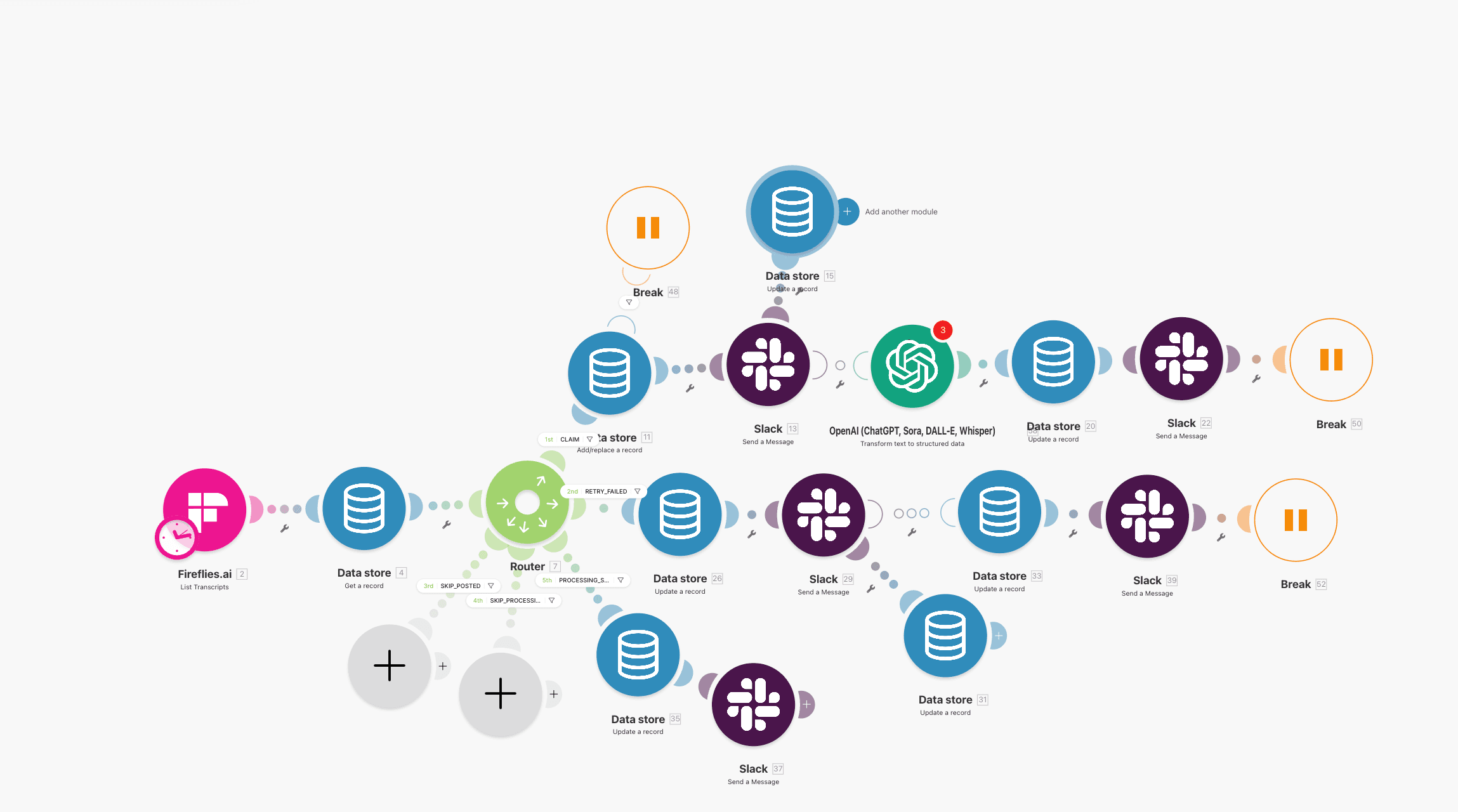
Source logs are the first evidence point. No send event means no scenario debug yet.
Check 2: Is the source retrying?
Retry behavior is the main duplicate risk vector. Document it explicitly for each source.
| Source class | Retry behavior pattern | Incident risk |
|---|---|---|
| Form tools | multiple retries over hours | duplicate contacts and tasks |
| Payment events | extended retry windows | duplicate billing side effects |
| CRM events | selective retries | missing or delayed state transitions |
| Custom emitters | implementation-dependent | unpredictable replay behavior |
Each retry is another delivery attempt. If your scenario does not use deterministic dedupe and state checks, retries can create duplicate writes.
Use this with the controls from Make.com retry logic without duplicates. If duplicates already exist in CRM, combine this with How to Prevent Duplicate Contacts in HubSpot Workflows.
Layer 2: Transport problems
Check 3: Is Make.com receiving payloads?
Go to the webhook module in Make.com and inspect recent receives.
Interpretation:
- no payloads received -> source not sending or wrong URL,
- payloads received but scenario not running -> scenario status/config issue,
- payloads received and scenario starts -> move to scenario-layer checks.
Capture concrete evidence:
- last received timestamp,
- sample payload id,
- request count trend.
This reduces cross-team blame loops because you can show exactly where delivery stops.
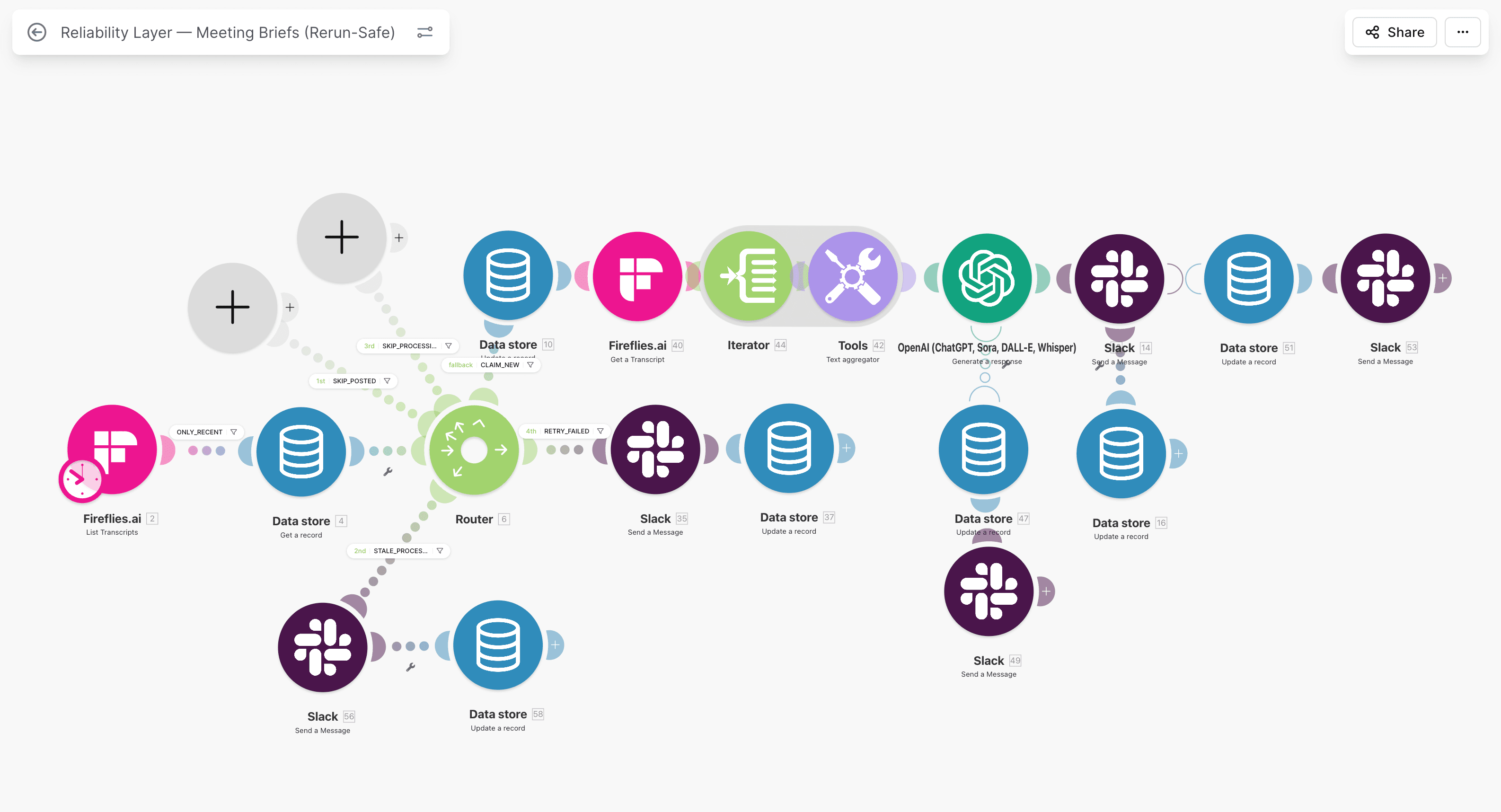
If payloads do not appear here, debug source and URL before touching downstream modules.
Check 4: Is the webhook URL current and active?
URL drift is a frequent production break:
- webhook regenerated in Make.com,
- scenario cloned and URL changed,
- old URL still configured at source,
- scenario paused or switched off.
Run a direct trigger test:
curl -X POST "https://hook.make.com/your_webhook_id" \
  -H "Content-Type: application/json" \
  -d '{"event_id":"debug-001","email":"ops@example.com"}'
Expected outcomes:
- webhook module receives payload,
- scenario execution appears in history,
- first modules process test event.
If manual trigger works but source delivery fails, issue is source-side routing or auth. If manual trigger fails, issue is URL/state/config inside Make.com.
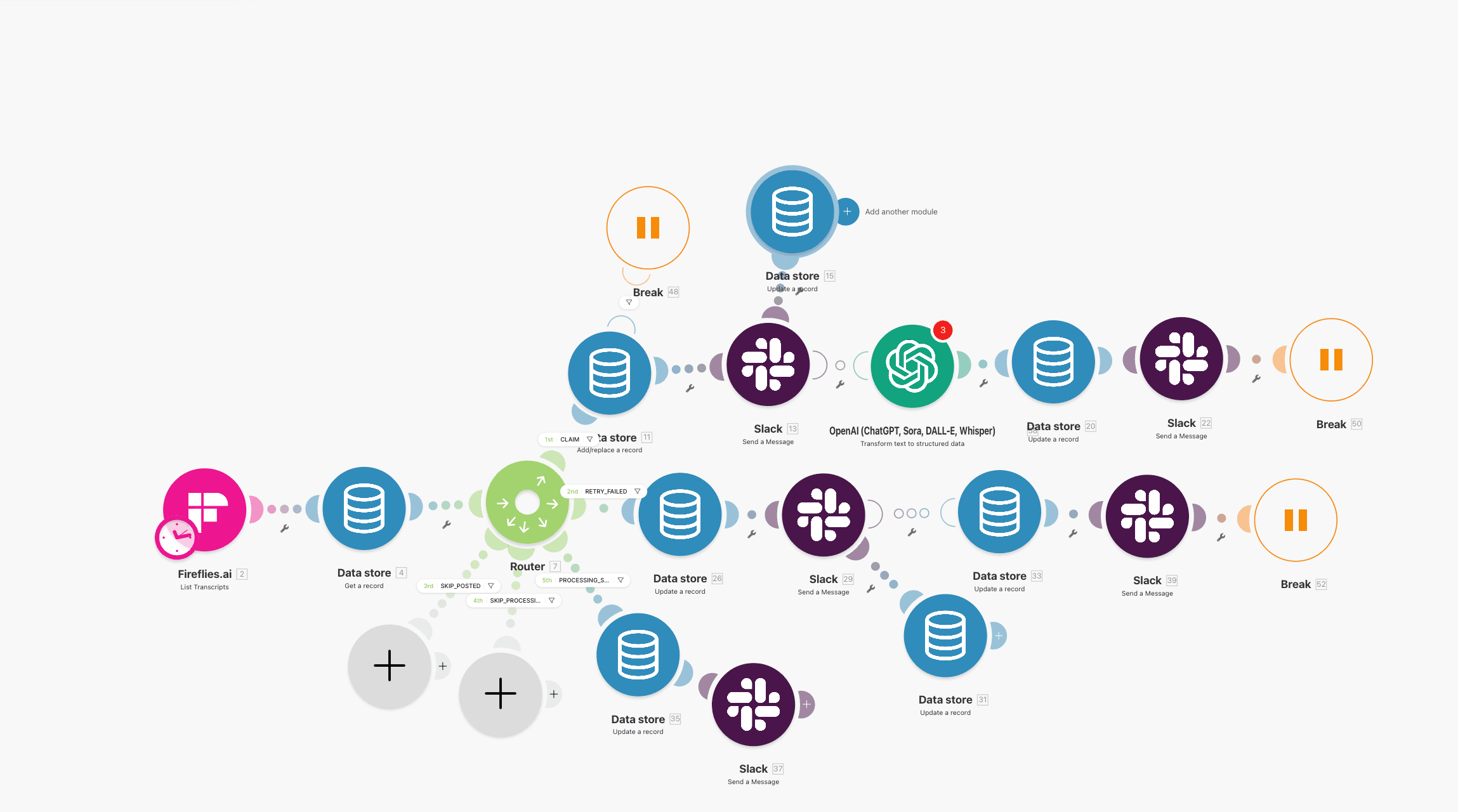
Direct trigger tests separate source faults from Make.com configuration faults quickly.
Check 5: Did payload structure change?
Schema drift causes silent downstream failures more often than platform outages.
Typical symptoms:
- scenario runs but mapped fields are empty,
- filters drop records unexpectedly,
- module 2 or 3 fails due to missing required values,
- business output degrades without obvious top-level crash.
Debug steps:
- inspect latest raw payload sample,
- compare to expected fields used in mappings,
- update data structure or remap modules,
- rerun with controlled test payload,
- verify downstream writes.
If your lane is stateful, validate this in the same runbook used for Make.com Data Store as a state machine.
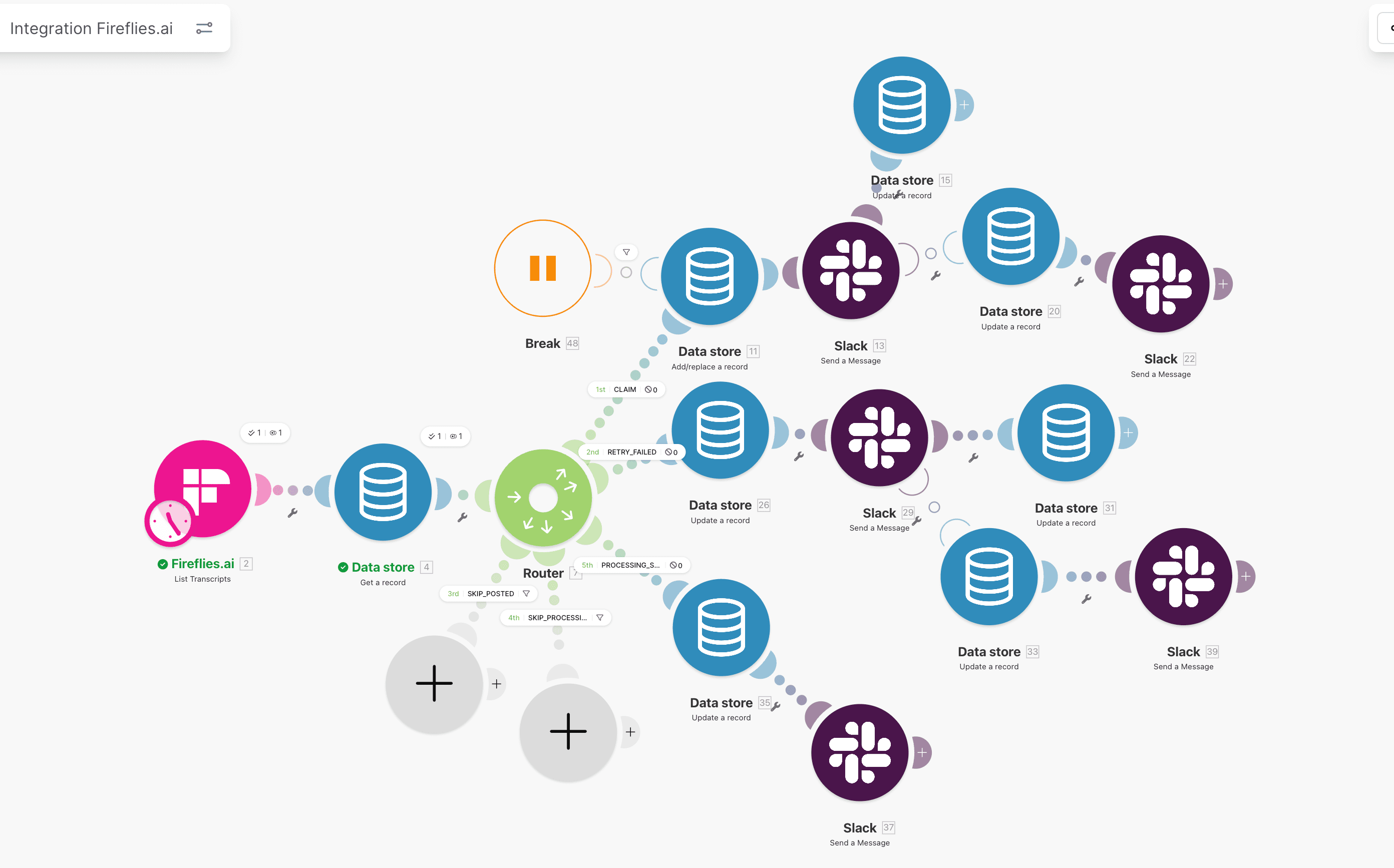
Schema drift can look like random data loss unless mappings are validated against raw payloads.
Service path
Need ops help beyond this article?
Current client work is Stripe Connect operations. See services for exception handling, verification, and triage.
Layer 3: Scenario problems
Check 6: Are filters silently blocking executions?
Filter logic is a common silent-drop mechanism.
What happens in production:
- webhook receives event,
- filter condition evaluates false,
- execution path stops,
- no explicit business alert is raised.
Audit filter rules for:
- strict equals checks on unstable source values,
- case-sensitive comparisons on user input,
- assumptions about fields that became optional.
During incident mode, log filtered counts per hour. If filtered volume spikes unexpectedly, treat it as a reliability incident, not a business anomaly.
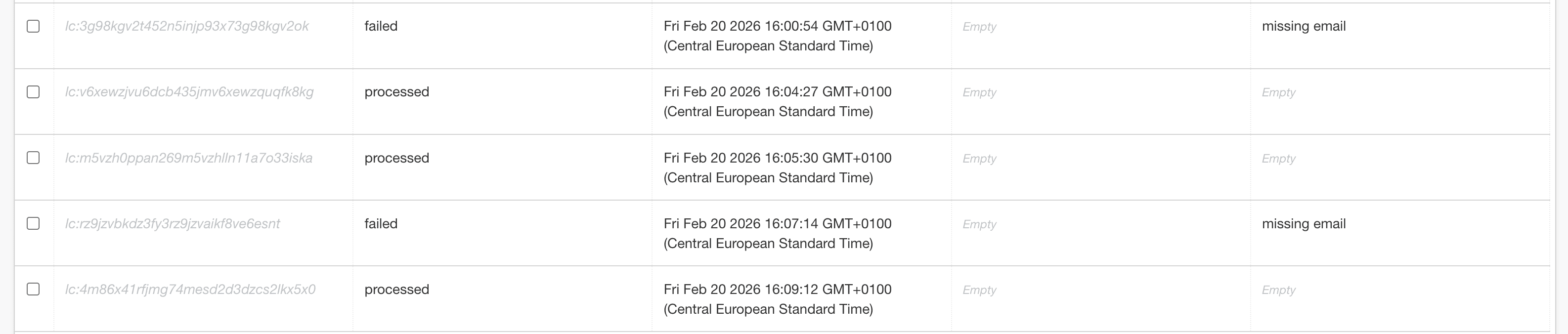
Filtered runs are not harmless if they block expected business events.
Check 7: Do modules fail after webhook intake?
Webhook receipt does not mean success. Most incidents happen in downstream modules.
Look for partial execution:
- early modules green,
- middle module red,
- remaining modules skipped.
Common failure classes:
- downstream API timeout,
- auth expiration,
- missing required field after mapping change,
- rate limit from destination system.
If there is no error handler branch, these failures become hidden backlog and manual cleanup work.
Minimum fix:
- add error handler per critical write module,
- write failure state with event id,
- alert owner with run link and error class.
This should align with Make.com monitoring in production.
Partial runs are high-risk because they create inconsistent state across systems.
Check 8: Is queue pressure dropping events?
Under burst traffic, webhook scenarios can saturate if each execution is heavy.
Risk signals:
- rising backlog age,
- significant delay between source send and scenario execution,
- increasing failed/retried runs,
- throughput collapse during peak windows.
Stabilization actions:
- reduce work in webhook entry scenario,
- push heavy processing to asynchronous follow-up scenario,
- monitor queue age and backlog thresholds,
- set owner alerts for sustained lag.
In high-volume lanes, split architecture into:
- ingress scenario: receive + validate + state-log,
- processing scenario: transform + write + notify.
This design also improves replay safety when paired with Make.com Data Store state controls.
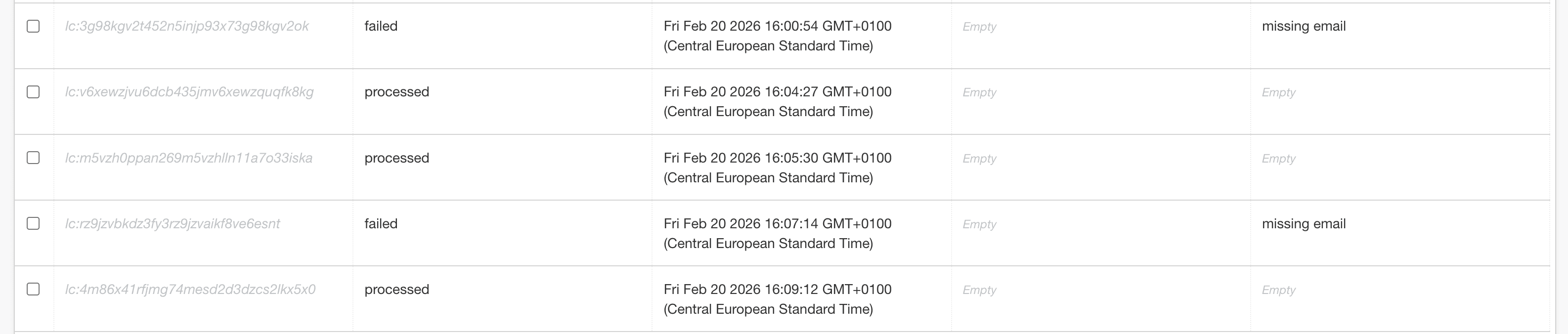
Queue strategy determines whether bursts become manageable lag or silent loss.
8-point debugging checklist
Use this table during live incidents:
| # | Check | Pass/Fail |
|---|---|---|
| 1 | Source sends events (delivery logs verified) | |
| 2 | Source retry behavior documented and understood | |
| 3 | Make.com webhook receives payloads | |
| 4 | Webhook URL is current, active, and tested directly | |
| 5 | Payload structure matches current mappings | |
| 6 | Filters are not silently dropping valid records | |
| 7 | Critical modules have error handlers and owner alerts | |
| 8 | Queue lag and backlog are within acceptable limits |
Interpretation:
- 0 to 2 fails -> local issue, fix immediately,
- 3 to 4 fails -> reliability risk, schedule stabilization sprint,
- 5+ fails -> production architecture gap, rebuild ingress controls.
If all eight pass and incident remains unresolved, inspect state consistency and replay logic first.
Incident response timeline (what to do in first 30 minutes)
Minute 0 to 5: classify and contain
- identify affected workflow and business impact,
- confirm source volume changed or dropped,
- freeze risky manual reruns until dedupe guard confirmed.
Minute 5 to 15: isolate failure layer
- source send confirmation,
- webhook receive confirmation,
- first failing module identification,
- capture one failing event id as anchor.
Minute 15 to 25: apply targeted patch
- URL/mapping/filer correction,
- add temporary alert if missing,
- run controlled replay of one event.
Minute 25 to 30: verify and communicate
- compare source count vs processed count for current window,
- confirm no duplicate side effects from replay,
- update owner channel with root cause and next guardrail.
This cadence prevents panic-driven bulk reruns, which are a frequent cause of secondary damage.
Evidence bundle for post-incident review
After service is restored, capture a compact evidence bundle before details fade:
- one source delivery log sample with event id and timestamp,
- one Make.com execution log showing where flow stopped,
- one payload sample used during diagnosis,
- one summary of root cause and applied fix,
- one preventive control added after incident.
This takes 10 to 15 minutes and pays back during the next incident. Teams that skip evidence capture repeat the same debug cycle because context is lost and assumptions return. Keep this bundle in your runbook repository and link it to owner review cadence.
Prevention: stop firefighting, build webhook observability
Debugging helps once. Monitoring prevents repeat incidents.
Minimum production baseline:
- stable event key and per-event state tracking,
- explicit error handlers on critical modules,
- alerting on execution drops and failed-state backlog,
- daily source-count vs processed-count reconciliation,
- weekly review of retry patterns and filter drop rate.
For full implementation patterns, combine these guides:
- Make.com Data Store as a state machine
- Make.com retry logic without duplicates
- Make.com monitoring in production
- HubSpot workflow audit: 7 silent failures
If your team runs mixed HubSpot + Make lanes, this should be unified with HubSpot + Typeform reliability setup and grounded in a repeatable services model like Make.com error handling.
FAQ
Why do webhooks fail silently instead of showing obvious errors?
Because failure often happens after ingress or at branch-level filters and downstream modules. The webhook can be received successfully while business logic fails later. Without state tracking and owner alerts, these failures stay invisible until data quality checks expose them.
What is the fastest way to prove whether Make.com is the problem?
Run top-down checks: source delivery logs, direct webhook URL trigger, then scenario execution history. This sequence quickly shows whether failure is upstream, transport configuration, or module logic. Skipping layer classification usually doubles incident resolution time.
Should I retry failed webhook events manually during incidents?
Only after dedupe controls are confirmed. Manual replay without stable processing keys can create duplicate records and worsen recovery. Safe replay requires event-level state, clear ownership, and explicit success criteria before bulk reprocessing begins.
How often should teams reconcile source events against processed records?
Daily for production workflows that affect revenue, onboarding, or finance operations. Weekly checks are usually too slow and allow silent gaps to accumulate. A lightweight daily count comparison catches missing or duplicated events before business damage expands.
Next steps
- Get the free 12-point reliability checklist
- Review Make.com retry logic without duplicates
- Review Make.com Data Store as a state machine
- Review Make.com monitoring in production
- Review HubSpot workflow audit: 7 silent failures
- See Make.com error handling service
- If you need direct triage help, use Contact
Cluster path
Make.com, Retries, and Idempotency
Implementation notes for retry-safe HubSpot-connected flows: Make.com, state, monitoring, and replay control.
Related guides
Continue with these articles to close adjacent reliability gaps in the same stack.
March 9, 2026
HubSpot Webhook 401 Retry Storms: Stop Flooding Your Endpoint
HubSpot webhook 401 retry storm means bad auth keeps returning 401 while retries keep firing. Learn containment, disablement, and safe recovery in Make.com.
March 9, 2026
HubSpot Contact Creation Webhooks: Stop Duplicate Contacts
HubSpot contact creation webhooks can fire multiple create and property-change events in Make.com. Learn burst control, dedupe keys, and safe contact writes.
March 9, 2026
HubSpot Webhook Timeout in Make.com: 5-Second Limit and Safe ACK
HubSpot webhook timeout in Make.com starts when your endpoint misses the 5-second response window. Learn safe ACK, queue design, and duplicate prevention.
Free checklist: Stripe Connect Ops Checklist
Get the PDF after submission. Use it to run through payout, verification, and triage checks when connected account behavior breaks in production.
Free 30-minute discovery call available after review. Paid reliability audit from €500 if fit is confirmed.
Need reliability work in production?
Book a scoping call. I map the highest-risk lane and confirm fit before a paid audit. Start with a free 30-minute audit-scoping call. Paid reliability audit starts from €500 if fit is confirmed.